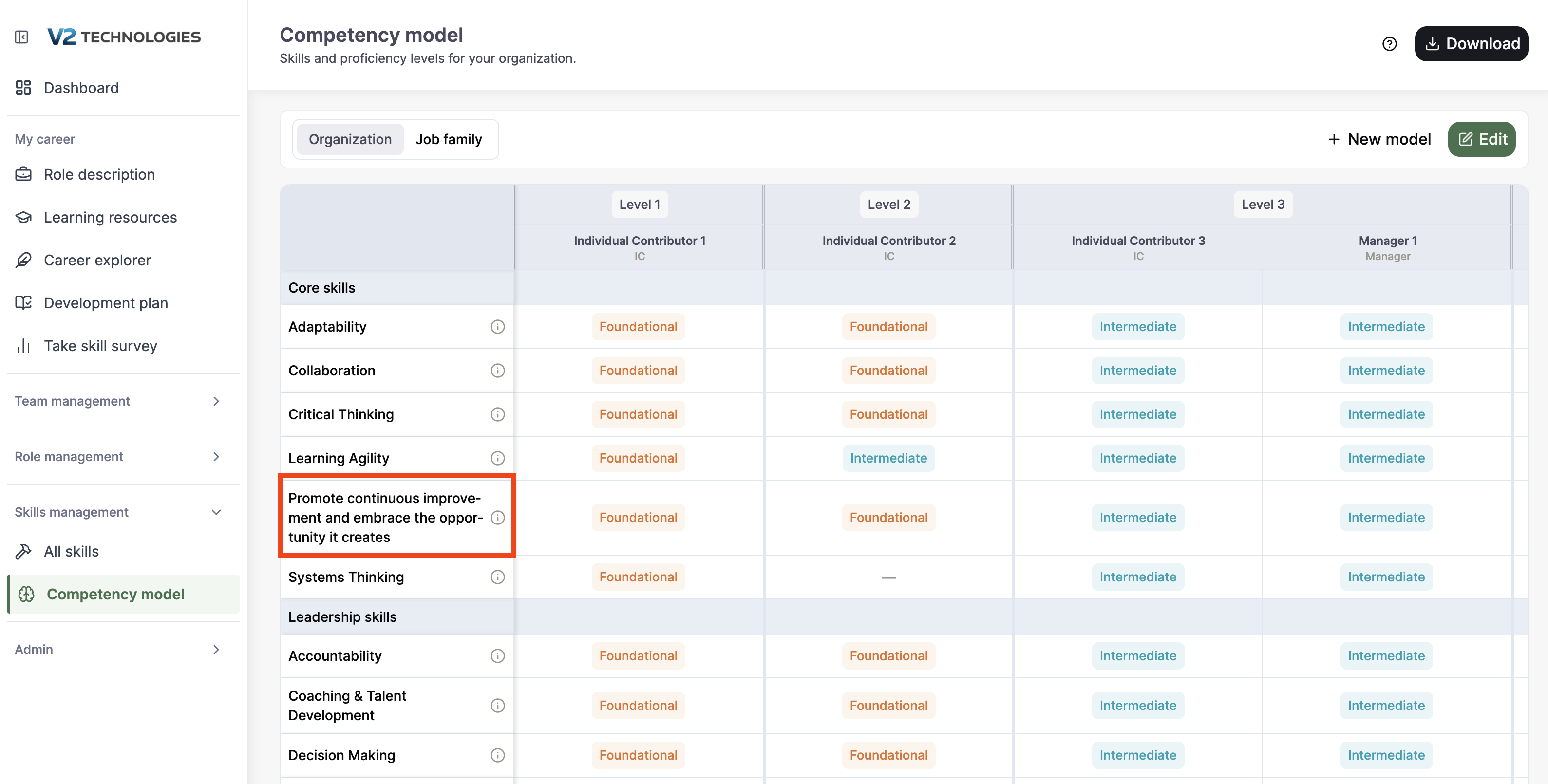
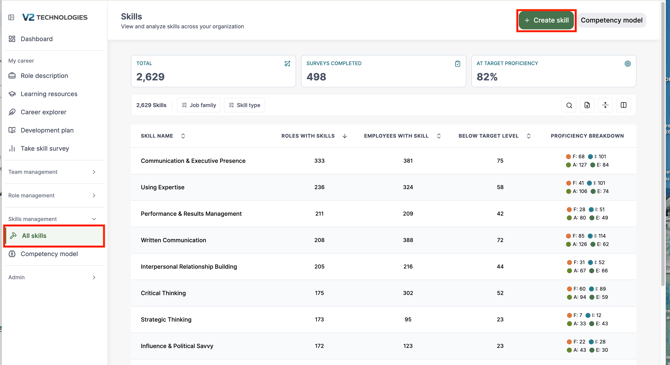
Step 1 - navigate to "All Skills" from the Skills Management section of the left navigation menu, as shown below. Click the "+Create Skill" button in the upper right.
Step 2 - Type the name of the skill in to the name field, choose which type of skill it is, and add any additional information in the prompt box.
Step 3 - Review the suggested description, rating question, and demonstrated behaviors and edit if needed.
Step 5 - this skill is now avaible to be added to any role or competency model.