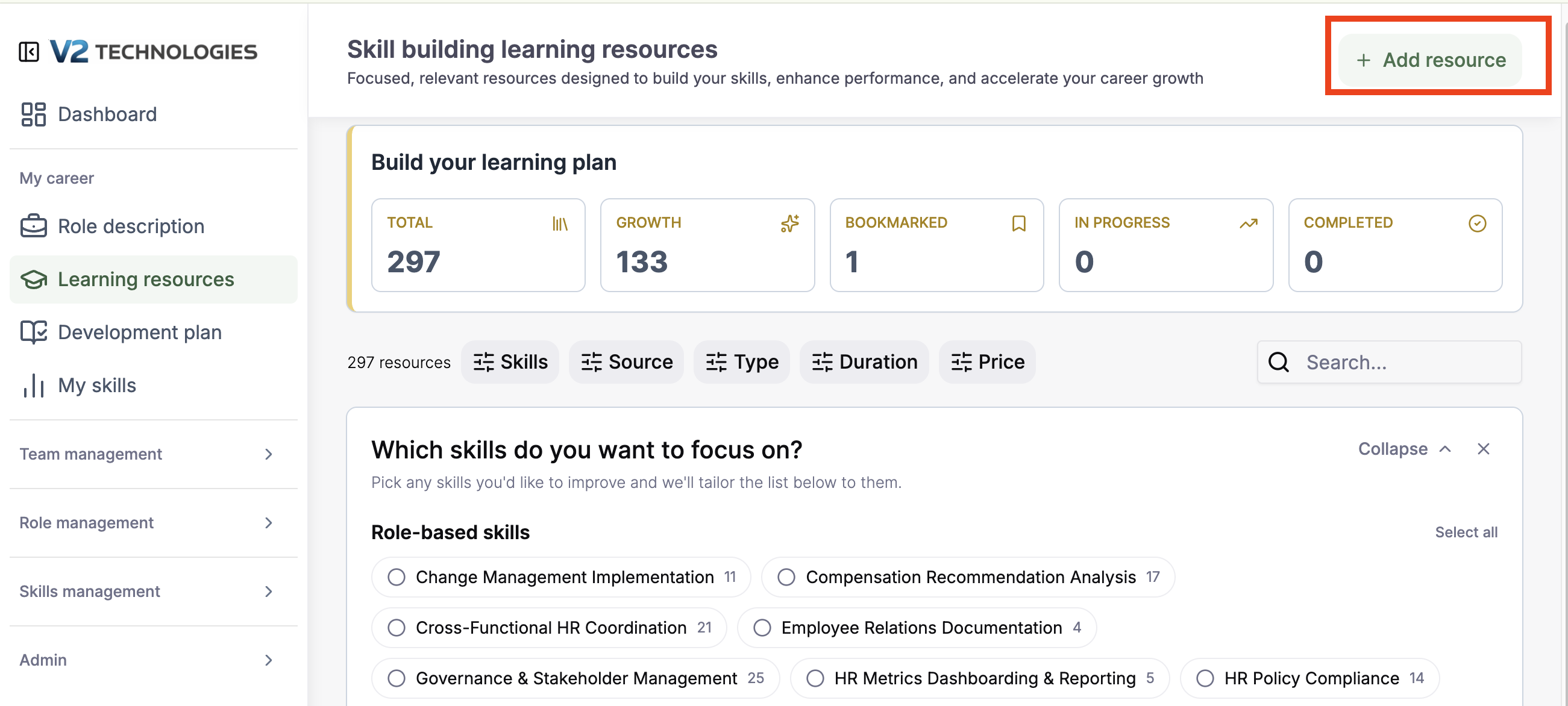
What is the Learning Resources module?
Learning Resources is a personalized library of professional development content — courses, podcasts, articles, and books — surfaced based on the skills listed on your job description. Most users see between 200 and 300 suggested resources, which can be filtered down to a focused short list in seconds.
How are resources recommended to me?
Recommendations are driven by the skills on your job description. Every resource in the library is tagged to one or more skills, and your feed is populated with resources that match the skills tied to your role.
How do I save and track resources?
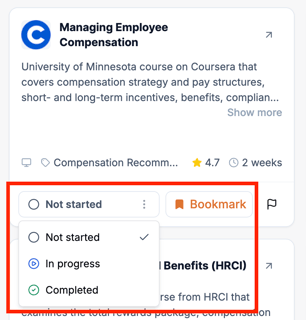
Each resource can be:
- Bookmarked to save for later
- Marked in progress when you start working through it
- Marked completed when you finish
The tiles at the top of the module show running counts of how many resources you've bookmarked, how many are in progress, and how many you've completed — so you always have a quick read on your learning activity.
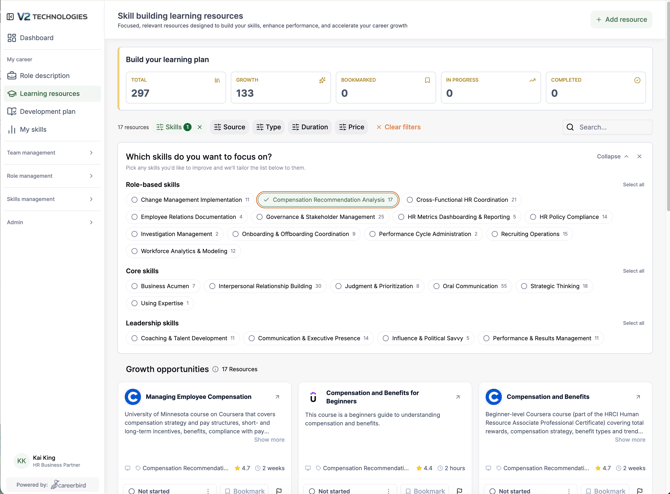
How do I filter the library?
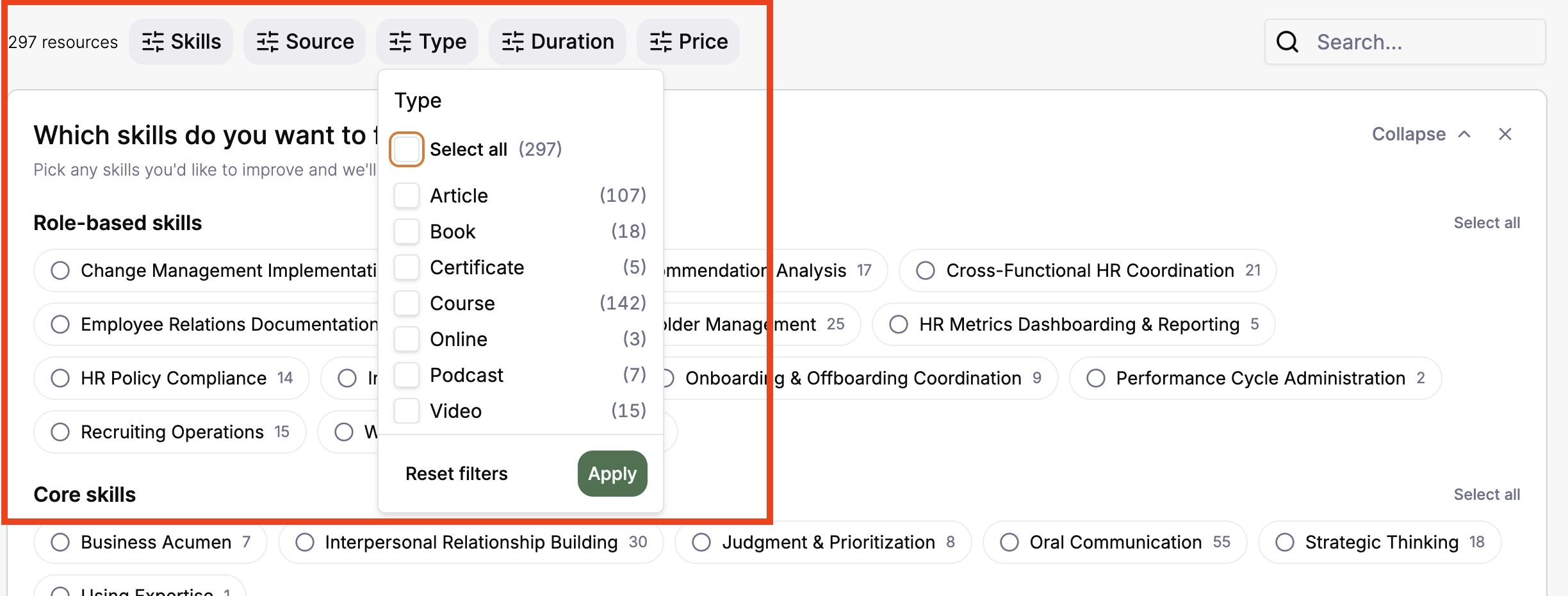
You can narrow the list using any combination of these filters:
- Skill — filter by the skills tied to your job description
- Source — Udemy, Coursera, YouTube, universities, and other providers
- Duration — under an hour, over an hour, a day, a week, or a month
- Cost — free or paid (the library is roughly a 50/50 mix)
You can also search the library directly using keywords.
What does the Growth filter do?
Clicking Growth surfaces resources tied to the specific skills you most need to develop. The system identifies these skills by looking at your proficiency survey and finding skills where your manager rated your proficiency below the level required for your role. Growth turns your library into a targeted development plan instead of a general feed.
Can I add my own learning resources?
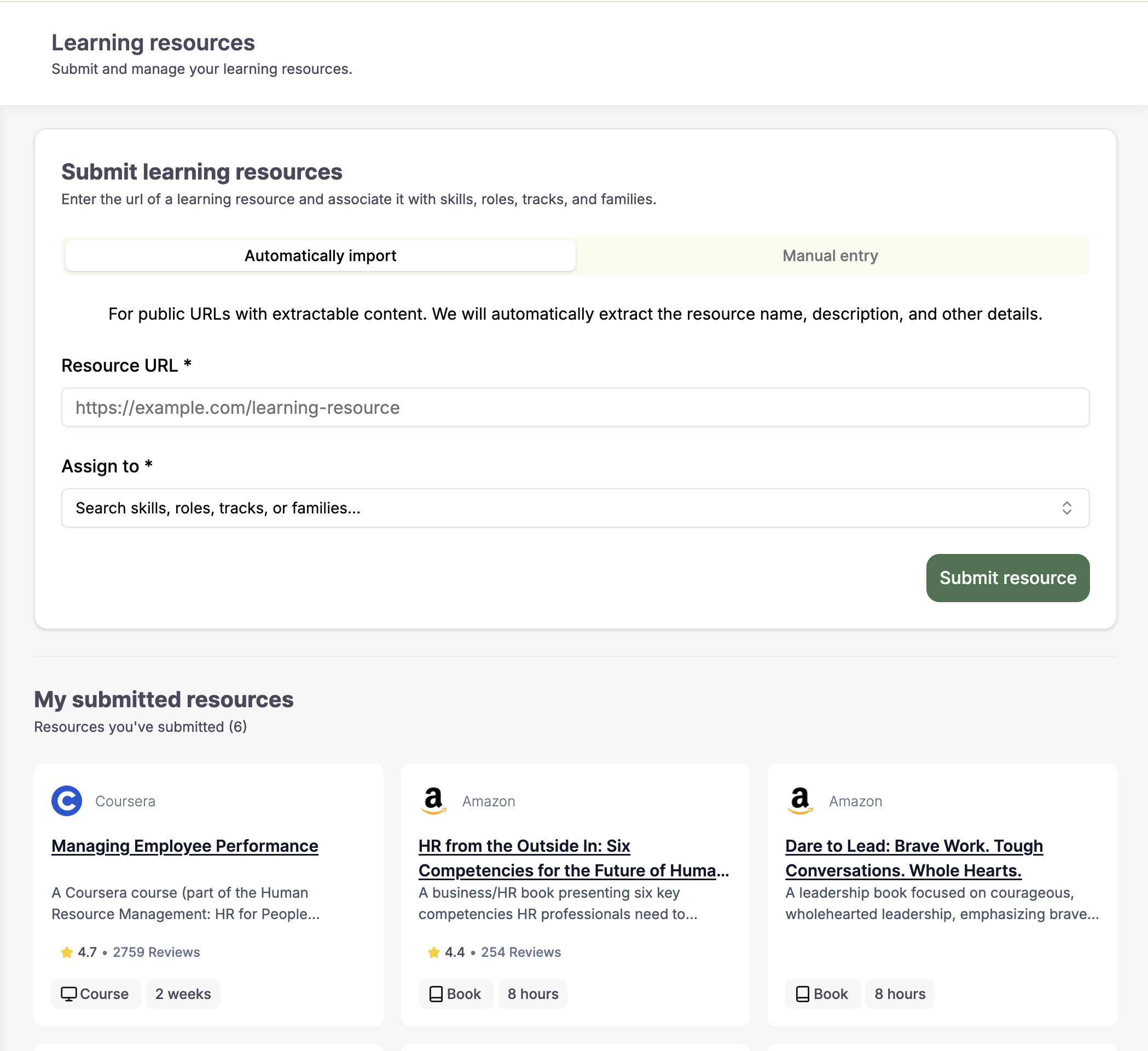
Yes. The Add Resource button in the upper right corner lets anyone contribute resources to the Learning Resource Library. There are two ways to submit:
- Paste a URL only — the system pulls in the title, description, source, and other metadata automatically
- Enter details manually — provide the URL along with a description and other context
In either case, you assign the resource to the relevant skill, track, or job family so it surfaces for the right people.
Who should use this module?
Any employee who wants to develop the skills tied to their current role or grow into a new one. Managers and team members can also contribute resources, helping the library grow into a shared, organization-wide development hub.