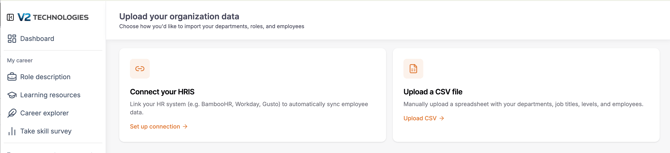
You have three ways to create employees
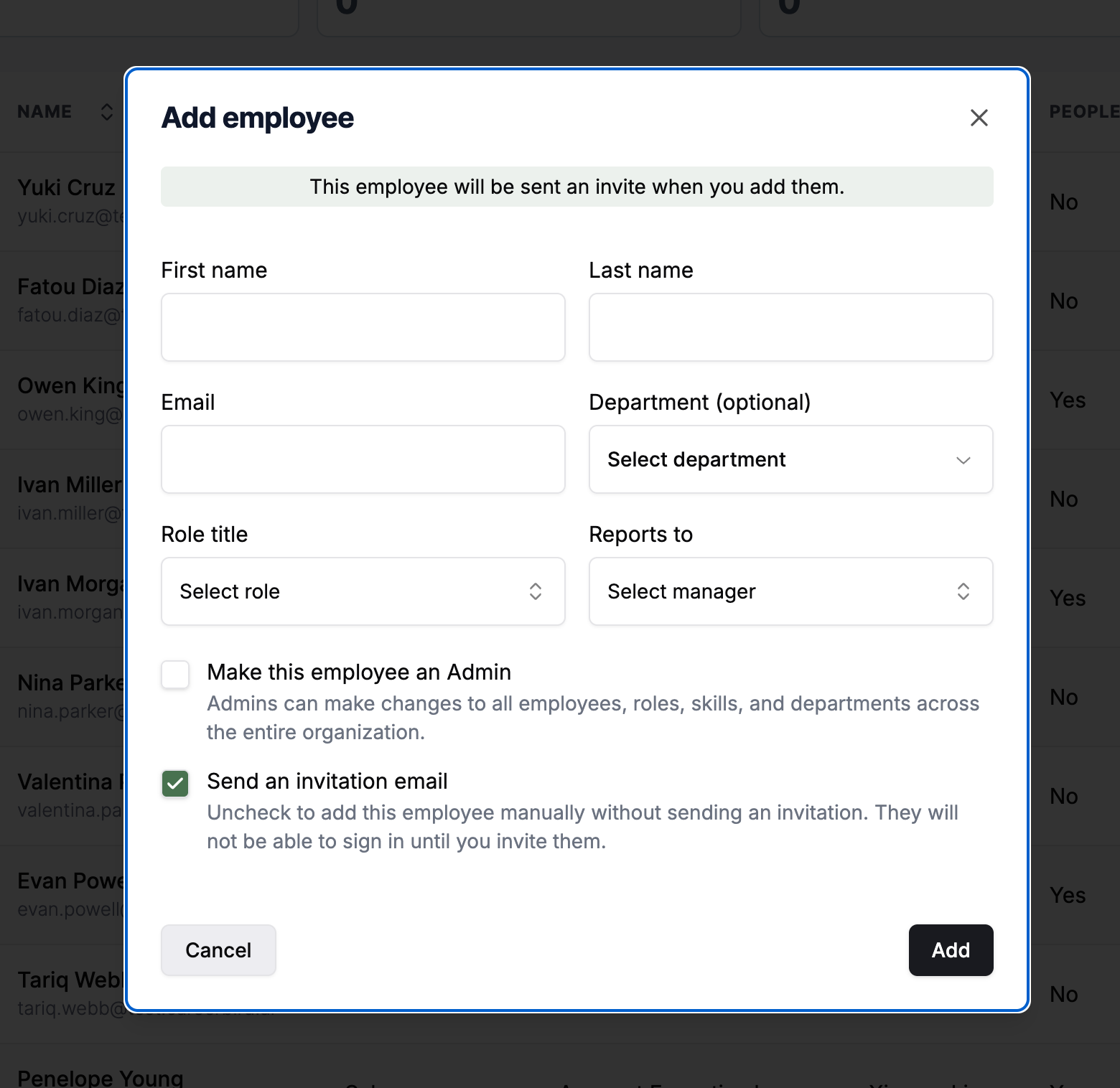
- Manually (one at a time)
- Upload a CSV file
- Connect your HRIS with a daily sync
Manually
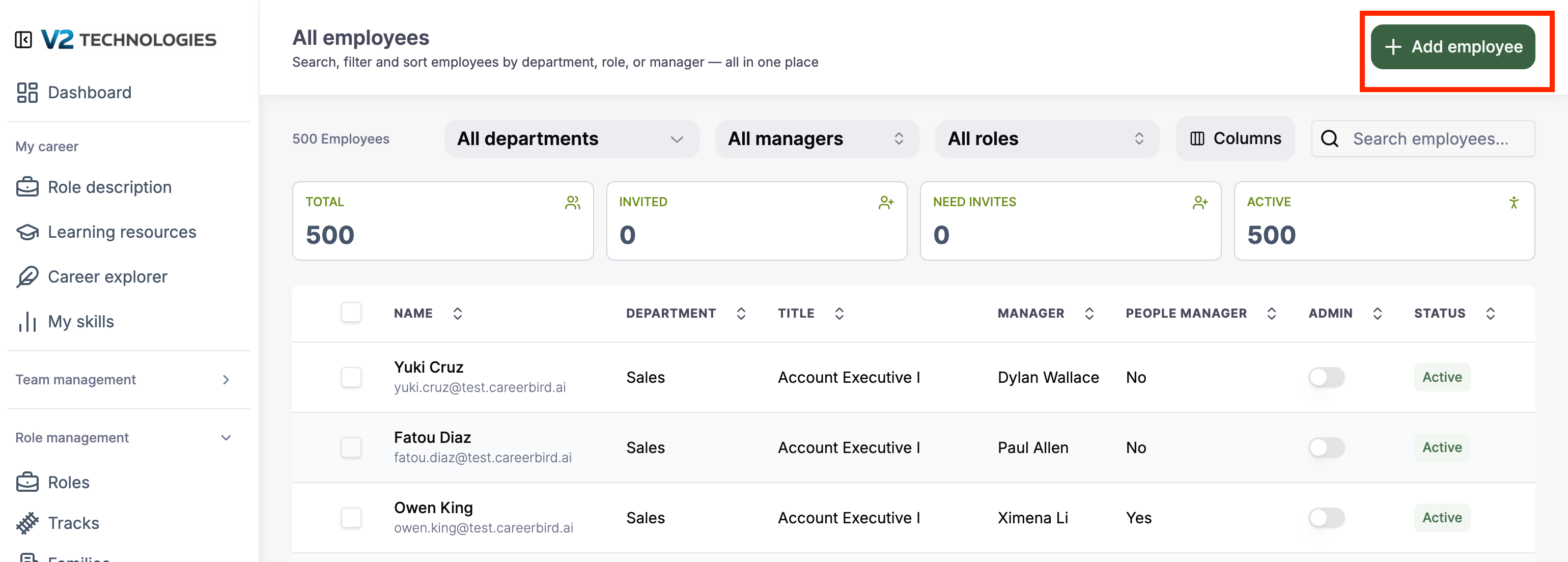
Click the "+Add employee" button in the upper right corner of the "All employees" page found in the Admin menu.
CSV & HRIS