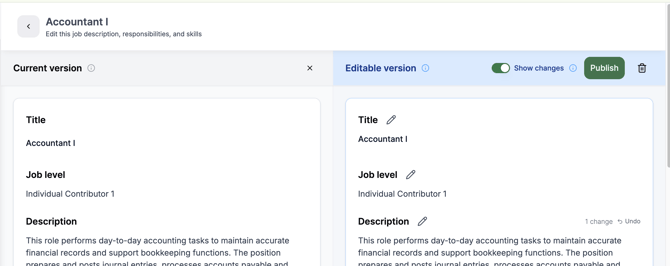
A role moves from “Need Review” to “Published” when an admin clicks the “Publish” button shown below.
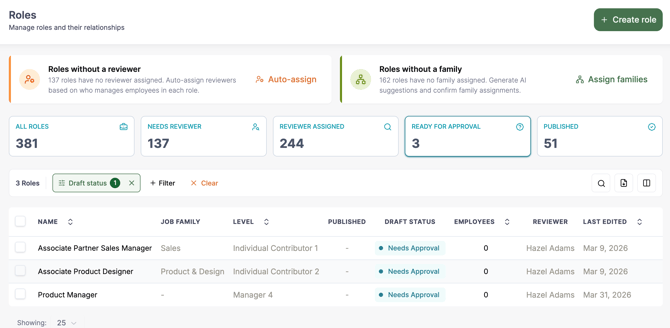
Admins can see all roles that need approval by clicking on the “Ready for Approval” tile at the top of the role page or filtering roles by “Draft Status”
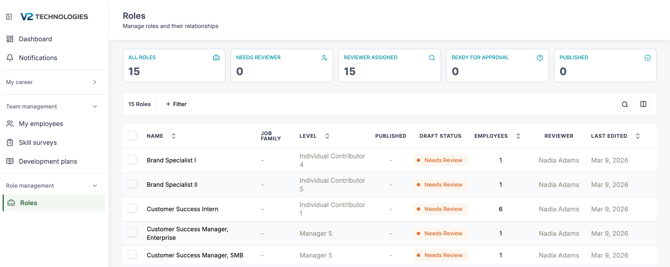
After the admin invites a user to review the role, they will get an email asking them to review each role. The screen they land on is shown below.
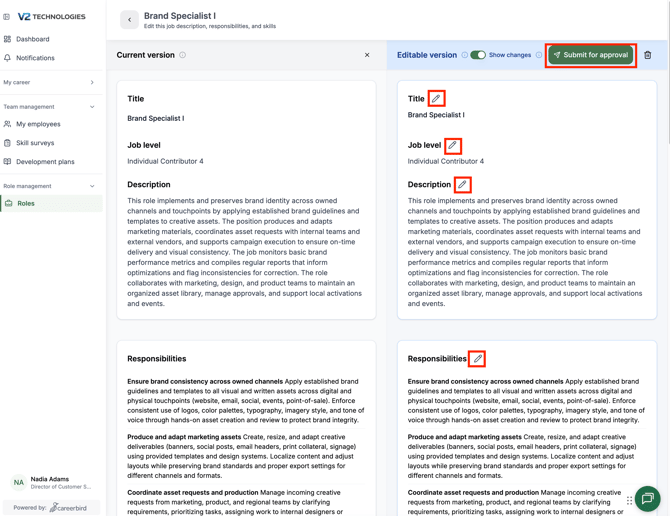
The role editor can suggest edits to the role by clicking on the pencil icon, making the changes, and then clicking “Submit for approval”.